
Is Your Website Accessible? What WCAG Compliance Means for NZ Businesses
BLOG
WCAG, the government’s accessibility standard and the Human Rights Act – what each one actually asks of an NZ business, and what a sensible first step looks like.
Most business websites would fail an accessibility check today. WebAIM’s 2026 analysis of the world’s top one million home pages found detectable WCAG failures on 95.9% of them – an average of 56 errors per page. If nobody has ever looked at your website’s accessibility, the safe assumption is that some barriers exist.
What those barriers mean for your business is the useful question, and the answer in New Zealand is routinely overstated by people selling fixes and underestimated by everyone else. Before anyone quotes you for a fix, it’s worth knowing what the accessibility standards here actually require, which businesses carry real exposure, and what a reasonable response looks like. Then you can decide what “accessible enough” means for you.
What Web Accessibility Actually Means
An accessible website is one that disabled people can actually use – read it, navigate it, complete the forms, buy from you. Some visitors rely on assistive technologies: a screen reader that reads the page aloud, voice control, or keyboard navigation instead of a mouse. Many more simply need text with enough colour contrast to read comfortably and buttons big enough to tap reliably on a phone.

The audience is larger than most owners assume. The 2023 Household Disability Survey found that one in six New Zealanders – about 851,000 people – are disabled. Much of what’s published on this topic still opens with one in four New Zealanders. That number comes from the older 2013 survey, and it’s a reliable sign the advice around it hasn’t been updated either.
Add the temporary and situational cases – a broken wrist, ageing eyesight, bright sun on a cracked screen – and inclusive design stops being a niche consideration. It becomes ordinary user experience work that benefits every visitor.
Share of the top one million home pages, that have detectable failures
Errors on the average home page
Share of the population who are disabled
Disabled people counted in the 2023 survey
WCAG 2.2, Explained Without the Jargon
Every conversation about website accessibility eventually reaches WCAG – the Web Content Accessibility Guidelines, published by the World Wide Web Consortium, the body that maintains web standards. The guidelines exist to make web content usable by people with disabilities, and they define success criteria at three levels. A is the floor. AA is the minimum level of accessibility that standards and tender documents actually reference. AAA is aspirational – almost nobody requires it in full. When a developer or a contract says a site should meet WCAG, it almost always means Level AA of the current version.
WCAG 2.2 has been that current version since late 2023. Its new criteria read less like regulation and more like a description of a well-built modern website:
- Tap targets big enough to hit reliably.
- Login that doesn’t lock people out because they can’t memorise codes.
- Help that stays in a consistent place.
- Forms that don’t demand the same information twice.
The fundamentals carry over from WCAG 2.1: alternative text for images, captions for video and audio content, everything operable by keyboard, nothing that traps a screen reader user mid-page.
Two things business owners commonly get wrong about WCAG compliance: it isn’t a badge you buy once, and it isn’t a pass or fail for the site as a whole. It’s a specific list of criteria that each page either meets or doesn’t. That’s why a vague claim like “our sites are WCAG compliant” deserves follow-up questions. Which version? Which level? Tested how?
Accessibility Standards in New Zealand: What's Law and What isn't
New Zealand has an official standard for web accessibility, and it binds the government, not private business. The New Zealand Government’s Web Accessibility Standard 1.2, part of the NZ Government Web Standards and in force since 17 March 2025, requires government websites to meet WCAG 2.2 Level AA.
That covers every public service department, plus Police, the Defence Force, the Parliamentary Counsel Office and the Security Intelligence Service. It allows narrow exceptions (complex maps, some pre-recorded video), but Level AA is the baseline across public-facing and internal pages alike.

If you run a private business, that Standard doesn’t apply to you, and there’s no separate web accessibility law for the private sector. What does apply is the Human Rights Act 1993, which prohibits discrimination on the grounds of disability in the provision of goods and services. A website that disabled customers can’t use can amount to exactly that.
Complaints go to the Human Rights Commission, which resolves most matters through mediation. The ones that don’t settle can go on to the Human Rights Review Tribunal, which can award damages. Even so, the realistic consequence in NZ isn’t an American-style lawsuit. It’s a formal complaint you have to respond to, customers quietly lost long before anyone complains, and remediation done under pressure rather than on your own schedule.
THE SHORT VERSIONThe Web Accessibility Standard 1.2 (WCAG 2.2 Level AA, effective 17 March 2025) is mandatory for government organisations only. A private NZ business has no fixed technical standard to meet, but the Human Rights Act 1993 prohibits disability discrimination in goods and services, and an inaccessible website can breach it. Practical guidance, not legal advice.
Which NZ Businesses
Actually Carry Exposure
Where Exposure is Real
You supply government. The Standard flows into contracts, so if you build or run web pages a government organisation is responsible for, WCAG 2.2 becomes your requirement too. Accessibility requirements are increasingly standard in procurement questionnaires further down the chain.
Your customers skew older or include the disability community – health, retirement, insurance, community services. You’re an essential service people can’t route around – banking, utilities, medical bookings, pharmacies. Or you’re simply prominent: complaints follow visibility, and larger NZ businesses are the ones that attract them.
Where it's a Business Case
A small local business with a simple brochure site is unlikely to ever face a complaint. The stakes at this end are commercial: 851,000 disabled customers and their families, plus every visitor who benefits from clearer pages and forms that work.
Accessibility is a business decision here, weighed like any other spend. One thumb sits on the scale: the fixes overlap heavily with the user experience and SEO improvements most sites want anyway.
The Common Accessibility Failures a Review Turns Up
Accessibility reviews of business websites turn up the same handful of issues everywhere, and the scale of the WebAIM data shows how universal they are:
- Low-contrast text, found on 83.9% of home pages. Text below the minimum contrast ratio is hard to read for far more people than fail a vision test.
- Missing alt text, which leaves a screen reader nothing to announce for an image.
- Missing form labels, which turn a contact or quote form into a guessing game.
- Empty links and buttons that announce themselves as “link” – no name, no destination.
- Menus and carousels that can’t be operated by keyboard at all.
Two useful things about that list. None of it is exotic: these are code-level accessibility mistakes, and most are cheap to fix – markup corrections rather than redesigns. And every item maps to a customer failing at a real task. The person who couldn’t read your pricing, finish your form or find the phone number didn’t complain about accessibility barriers – they went to a competitor.
Why Accessibility Compliance Decays Without Maintenance
A website that passed an accessibility review last year isn’t necessarily accessible today. The usual causes are routine:
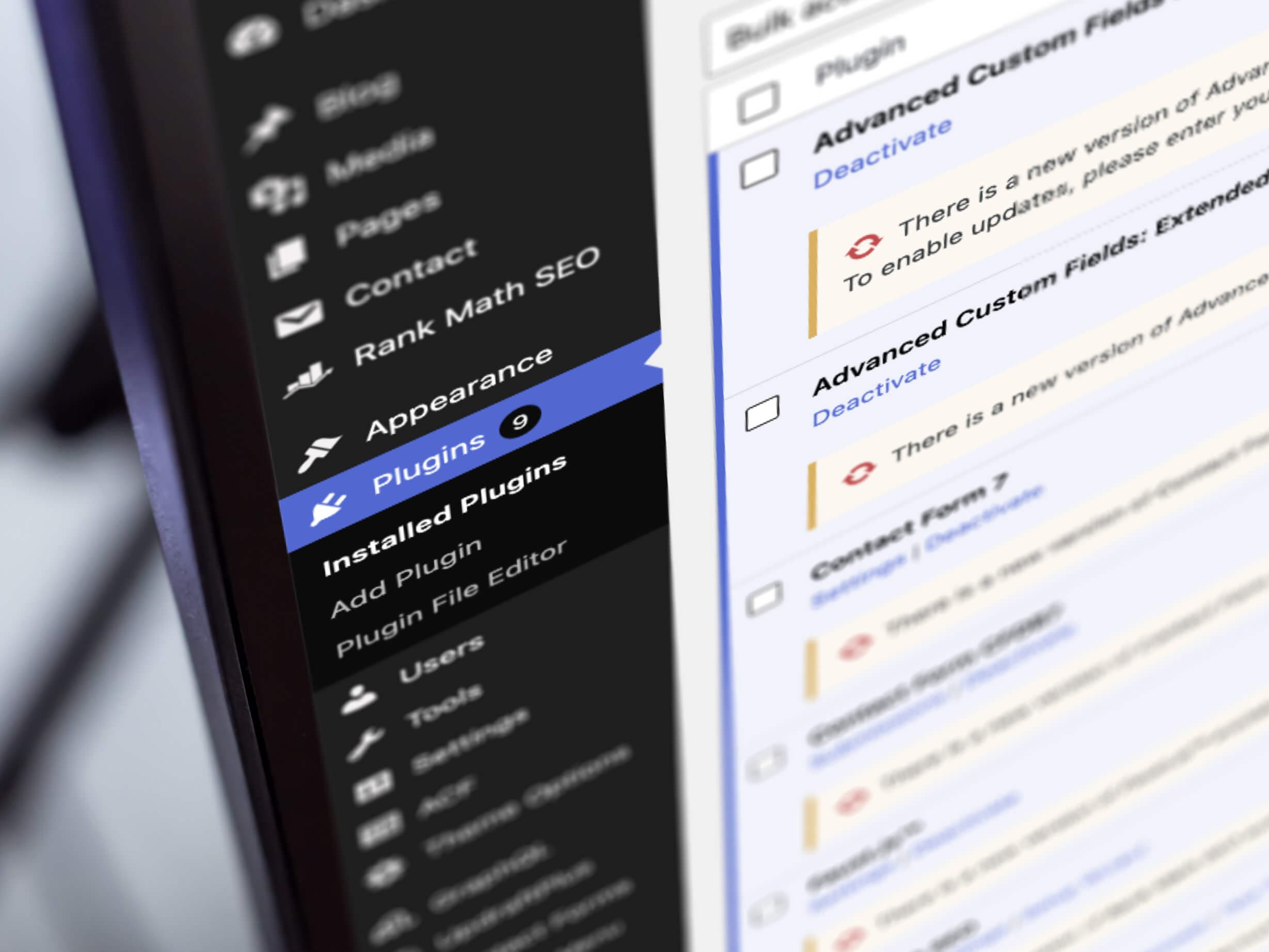
- Theme and plugin updates quietly change markup, colours and focus behaviour.
- A redesigned header ships with a menu keyboard users can’t open.
- New images go up without alternative text because adding it is nobody’s job.
- An embedded booking widget arrives with its own failures baked in.
Accessibility regresses the same way performance and security do – through routine changes nobody tested for it. If you’ve watched Core Web Vitals scores drift after a plugin update, it’s the same mechanism.
This is the part most accessibility advice skips. Staying compliant isn’t a project with an end date. It’s a property of a site that’s kept, or lost, in ongoing website maintenance. The practical version is unglamorous: whoever looks after your website includes basic accessibility checks – contrast, keyboard, forms – in their post-update testing, alongside confirming nothing else broke.
If accessibility has never once appeared in a maintenance report or conversation with your provider, it’s fair to ask what a year of updates has done to it.
Audits, Scanners and Overlay Widgets:
What's Worth Paying for
The Automated Scan
A scan is the honest starting point: cheap, fast, and good at finding the machine-detectable problems – contrast failures, missing labels, missing alternative text. You can automate that first pass, and only that first pass. Automated tools catch a minority of WCAG success criteria, so a clean scan is a good sign and nowhere near proof that your site conforms.
The Scoped Accessibility Audit
A person who tests your key pages with a screen reader and a keyboard – the reasonable first step where exposure is real. What you should receive is a prioritised list of barriers in plain language, tied to the journeys that earn you money: a document a developer can act on. Not a 90-page dump of failed criteria, and not a “report” that’s really a quote for a retainer in disguise.
OVERLAY WIDGETS“No overlay product on the market can cause a website to become fully compliant with any existing accessibility standard.” That’s the published position of more than 1,000 accessibility practitioners, assistive technology developers and disabled users. A plugin promising instant compliance sells the appearance of accessibility, and it carries no weight under the Human Rights Act.
Where to Start
Scan
Run a quick check to gauge the scale. It takes minutes, costs little and finds the obvious failures, like low contrast and missing alternative text.
Human check
Have a person try the pages that matter: home, contact or quote, checkout. A few minutes with a keyboard and a screen reader surfaces what no scanner can.
Fix the worst first
Clear the accessibility barriers that block real tasks before anything cosmetic. A customer who can’t finish your form is a bigger problem than an imperfect contrast score.
Keep checking
Keep the checks in your maintenance routine so the work doesn’t quietly undo itself. Theme updates, plugin updates and new content all change your pages over time.
For most NZ SMEs that modest sequence is enough. It improves accessibility steadily, without a redesign and without treating accessibility as a compliance exercise with a certificate at the end.
If your website is due for a rebuild anyway, this topic gets cheaper: a site built with accessibility in mind costs little extra, and retrofits cost real money. Semantic markup, sensible colour choices and components tested with a keyboard are ordinary parts of careful web design. So when you next brief a designer, ask where accessibility sits in their web design process and how they test it. The answer tells you plenty about the rest of their build quality too.
For the site you have now: don’t buy a certificate, and don’t lose sleep over lawsuits that aren’t coming. That’s how we treat accessibility in our own work: part of the build, part of the maintenance, checked as process rather than certified once.
Not Sure Where
Your Website Stands?
A discovery session is a free, no-obligation conversation about your website - where it is now and what's worth doing first. If accessibility is on your list, we'll tell you honestly whether it needs attention at all.
Book a Free Discovery Session