
WooCommerce Maintenance Is a Different Job.
Here's Why.
BLOG
A generic WordPress care plan can keep a brochure site healthy while your store quietly loses orders. Here is how to tell whether your provider is actually maintaining WooCommerce.
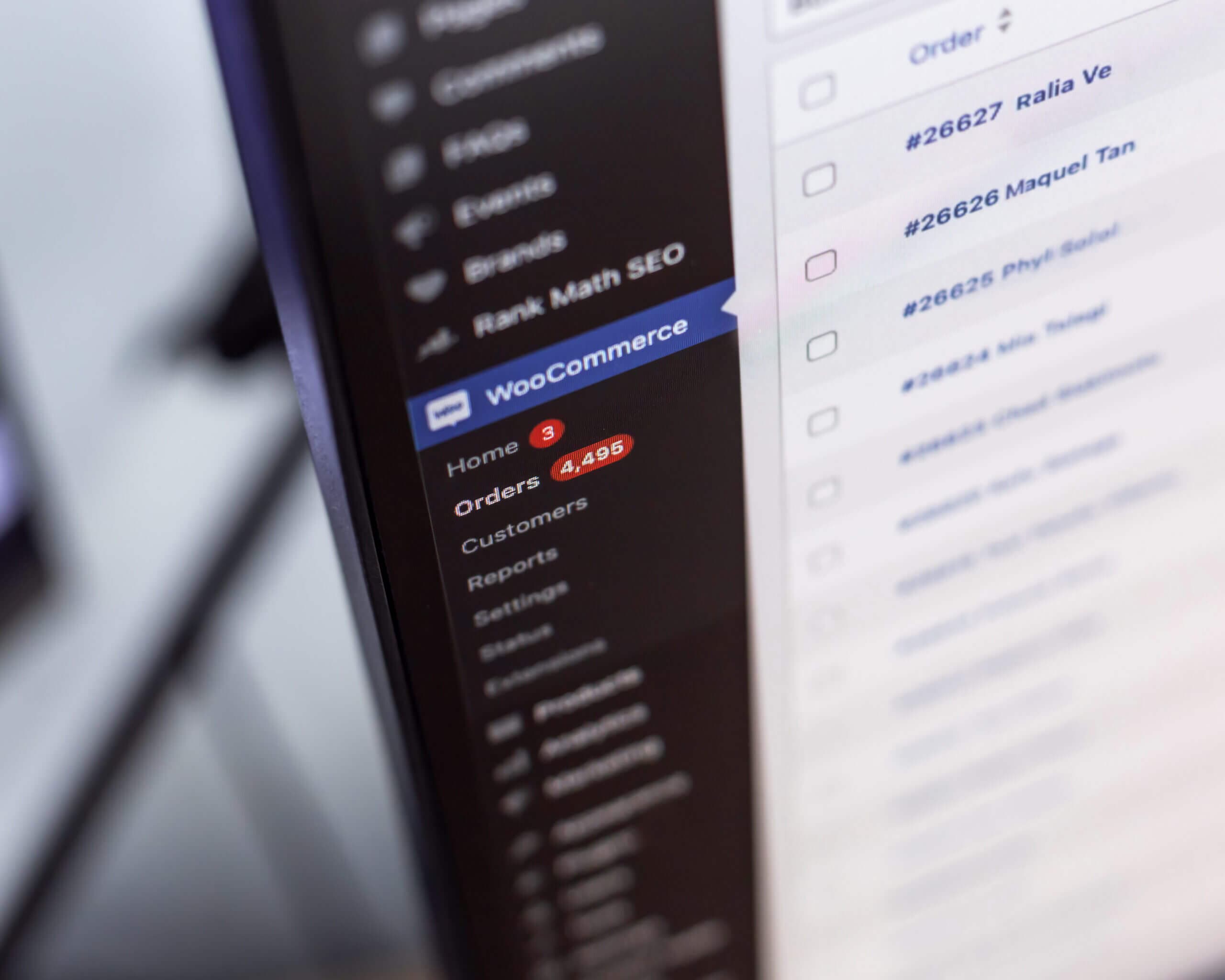
If you run a WooCommerce store, chances are you were sold the same WordPress maintenance plan as every brochure-site client on your provider’s books. WordPress updates get applied, backups run on schedule, the monthly report says all systems operational. Everything looks after itself.
The problem is that an online store is not a brochure site with products bolted on. It holds order history and customer records, moves money through a payment gateway, and depends on a checkout that any routine update can silently break. The typical guide to WooCommerce maintenance reads like a plugin tutorial for developers. As a store owner you need two plainer things: what WooCommerce maintenance involves that ordinary WordPress site care does not, and how to tell whether the plan you pay for covers it.
A WooCommerce Store Fails Differently From a Brochure Website
When a brochure website breaks, you lose face. When an online store breaks, you lose orders, and the worst failures are the quiet ones.
Here is how it plays out. A routine plugin update changes how the cart session is handled. Product pages load fine, add to cart works, and the payment step fails for every customer. Nothing looks wrong from the outside. Uptime monitoring stays green because the site is technically up, and no security audit spots it either, because nothing is insecure. The first sign of trouble is a customer who rings three days later to ask why they could not pay.
A brochure site can survive a careless update. A WooCommerce store gives you fewer chances.

A Bigger Job on a Faster Clock
Weeks between WooCommerce releases
Growth in NZ online spending in 2025
NZ physical retail dollars now spent online
The Update Treadmill Runs Faster for WooCommerce
WordPress core ships a handful of releases a year. WooCommerce core ships a new release roughly every five weeks. Add the theme, the WordPress plugins around the store and every WooCommerce plugin you rely on. Then add a WordPress hosting provider that bumps PHP versions on its own schedule. A WooCommerce store that goes without regular WooCommerce maintenance for a year can easily fall behind on dozens of core, theme and extension updates rather than one or two.
WooCommerce’s own developers treat releases as a business risk. In late 2025, they delayed a core release by two weeks specifically to keep it clear of Black Friday, because stores need maximum stability during peak trading. That is the platform itself scheduling major releases around the shopping calendar. A good maintenance provider plans around your busy periods the same way.
The stakes keep growing. New Zealanders spent over $12.7 billion online in 2025, up 10 percent on the year before, and nearly one in four physical retail dollars is now spent online. As more of the till moves through the store, a payment that quietly fails for an afternoon stops being a technical fault and becomes a trading problem.
The WooCommerce Maintenance Tasks a Generic WordPress Plan Skips
What a Generic Plan Covers
- Core and plugin updates on a schedule
- A backup routine
- Uptime checks and security monitoring that watch for malware and failed logins
- An SSL certificate that renews on time
All genuinely useful, and for a brochure site, usually enough. Notice what the tasks have in common, though. Each one cares for the website, and none of them ever places an order. That is the gap. The whole list can pass, month after month, while nobody can pay you, because none of it is store-aware.
What a Store Adds to the Job
- Payment gateway plugins that need testing against the gateway whenever an update touches them
- Cart and checkout behaviour checked, not assumed
- A WooCommerce database that grows with every order and can slow the store and the WordPress admin
- Load time creep that hurts sales and SEO alike, since speed is a search engine ranking signal
- Database changes some WooCommerce releases bring, plus compatibility with WooCommerce’s newer order-storage system
- Stock, shipping and tax integrations, order emails, payment webhooks and background jobs, all of which can fail quietly while every page still loads
The Checkout Test Separates Store Maintenance From Website Maintenance
Ask your provider one question. After you update my site, does someone place a test order all the way through payment?
If the answer is a pause, here is what it usually means. For many service providers, “we monitor your site” means an automated ping that confirms the homepage responds. It says nothing about whether a customer can pay you. A store can be up and unable to sell for days, and homepage monitoring will never notice. Good ecommerce website maintenance tests the buying journey, not just the homepage.
What good looks like is a short checklist, scaled to what changed. A test transaction after every update round, in the gateway’s test mode or as a controlled live order when the payment stack itself changed. A check that the order confirmation email arrives. A refund put through when the gateway integration changes, so the whole loop stays proven. It takes minutes of a person’s attention, and it is the clearest line between maintaining your WooCommerce store and maintaining the website around it.
MAINTENANCE MODEIf your store sometimes shows a short “down for maintenance” screen, that is usually routine maintenance being done deliberately, not a fault. Enabling WooCommerce maintenance mode, whether through the host or a plugin, hides the store for a few minutes while riskier changes, such as a database migration, are applied safely. Frequent or hours-long outages are a different story and worth questioning.
What a Proper WooCommerce Update Cycle Looks Like
Fresh Backup First
The cycle starts with a current backup taken minutes before any work begins, including the full order database. A backup nobody has ever restored is a hope, not a safety net.
Update a Private Copy
WordPress, WooCommerce and plugins are updated on a staging copy customers never see, in the order their compatibility notes call for. Problems surface there instead of in your store.
Check Compatibility
The theme, the payment plugins and any template overrides are checked against the new versions. Plugin conflicts and compatibility issues are found by looking, not by waiting for a customer to find them.
Place a Test Order
Someone places a test transaction all the way through payment and confirms the order email arrives. “Homepage loads” is not the same as “store works”.
Go Live and Watch
The same changes are applied to the live store, then orders, confirmation emails and payment notices are watched over the next day. If something misbehaves, the faulty change is reverted or fixed in place, never an older database restored over new orders.
Staging for a Store Has a Catch
Staging is a private working copy of your website where changes are tested before customers ever see them. We have written before about why it is the biggest invisible quality gap between maintenance plans, and for a store the case is stronger again. A brochure site can reasonably stage only its riskier changes. On a store, every update sits close to the money, so every update round counts as risky.
Store staging has a catch, though. A staging copy runs the payment gateway in test mode, so even a perfect test order proves most of the path, not all of it. And a staging site built without realistic data behaves nothing like your production database, which is where size and migration problems actually live.
So a provider who knows WooCommerce works with a sanitised copy of the real store, with customer details stripped and the structure kept. They rehearse major-version migrations on it, fix problems there rather than on the live store, and still confirm the first live orders after rollout. At go-live, the approved changes are applied to the live store, and nothing travels the other way. Orders keep arriving while testing happens, so a safe rollout never copies the older staging database back over the live store. If your provider’s staging site is an empty shell with three demo products, the test it passes is not the test that matters.
PCI Compliance in Plain Terms
PCI DSS is the card industry’s security standard, and it applies to every business that takes card payments, regardless of size.
For most small NZ stores, the practical picture is simpler than it sounds. When a provider such as Stripe, Windcave or PayPal, or a pay-later service like Afterpay, hosts the payment fields for you, card numbers go straight to the gateway rather than through your WooCommerce website, and your validation usually sits at the lighter end. The same provider can be wired into a store in more than one way, though, and how the payment form is built into the page can shift the exact requirements, so ask your bank or payment provider to confirm what applies to you.
What stays your problem is the site around the gateway. A compromised store can have a card-skimming script injected into its payment page even when the gateway itself is secure. This is why security patches, malware scanning and a valid SSL certificate are core maintenance for a WooCommerce site rather than optional extras. They keep your store secure at the layer the gateway cannot see. An expired certificate will also put a browser security warning between your customers and the payment step.

What WooCommerce Maintenance Plans Cost
Maintenance pricing for a WordPress website varies widely in New Zealand, because providers bundle different things into the same word: hosting, support hours, monitoring, actual testing. WooCommerce maintenance pricing sits above brochure-site care, and the difference is honest. The release cycle is faster, the testing includes manual checks, and the cost of a mistake is measured in orders rather than embarrassment.
When you compare WooCommerce maintenance costs, the number matters less than what it buys. You are not paying for a badge that says WooCommerce experts. You are paying for the testing. A cheap plan that pushes updates straight to a live WooCommerce store is not a bargain, while a plan that covers staging, an end-to-end test order and a restore-tested backup is what professional WooCommerce maintenance looks like. If the maintenance budget is tight, cut scope, not testing. Regular maintenance helps keep a store running smoothly, and for an active store it can cost less than one afternoon of failed payments.
Our own support plans start at $50 a month for hosting care and run to $300 for larger sites. A store with heavy customisation is exactly the case that sits above those tiers, so it gets dedicated support scoped individually rather than squeezed into one. The process those plans buy is the one this article describes, from the fresh backup before anything else to the checks after every update round. We build and maintain ecommerce websites from Auckland, WordPress and WooCommerce maintenance is the core of our maintenance plans, and our WordPress support work spans small brochure builds through to an enterprise animal-health brand’s headless WordPress site, maintained across development, production and staging environments.
THE SHORT VERSIONA generic plan keeps WordPress healthy. A store also needs its checkout tested, its database watched, and its payment stack patched. If your monthly report never mentions orders, it is reporting on the website around your store, not the store itself.
Questions to Ask a WooCommerce Maintenance Service
About the Process
- Do you test updates on a staging copy before they reach my live store?
- Does someone place a full test order after every update round?
- How do you check compatibility and decide the update order for my store?
- When did you last restore a backup of my store, and did it work?
About Your Store
- Who on your support team watches order flow after changes go live?
- How do you monitor the order database, logs and background tasks as the store grows?
- How quickly do security patches for WooCommerce plugins get applied?
- Does my monthly report say anything about the store itself, or just the website?
Not Sure What Your
Store's Plan Covers?
Book a free discovery session and we will walk through what it takes to maintain your WooCommerce store, in plain terms. If it turns out your current provider is doing fine, that is a good outcome too.
Book a Free Discovery Session