
What Is a WordPress Care Plan, and Does Your Site Actually Need One?
BLOG
Every provider sells one and no two mean quite the same thing by it. Here is what the label covers, who genuinely needs one, and how to tell real care from a monitoring invoice.
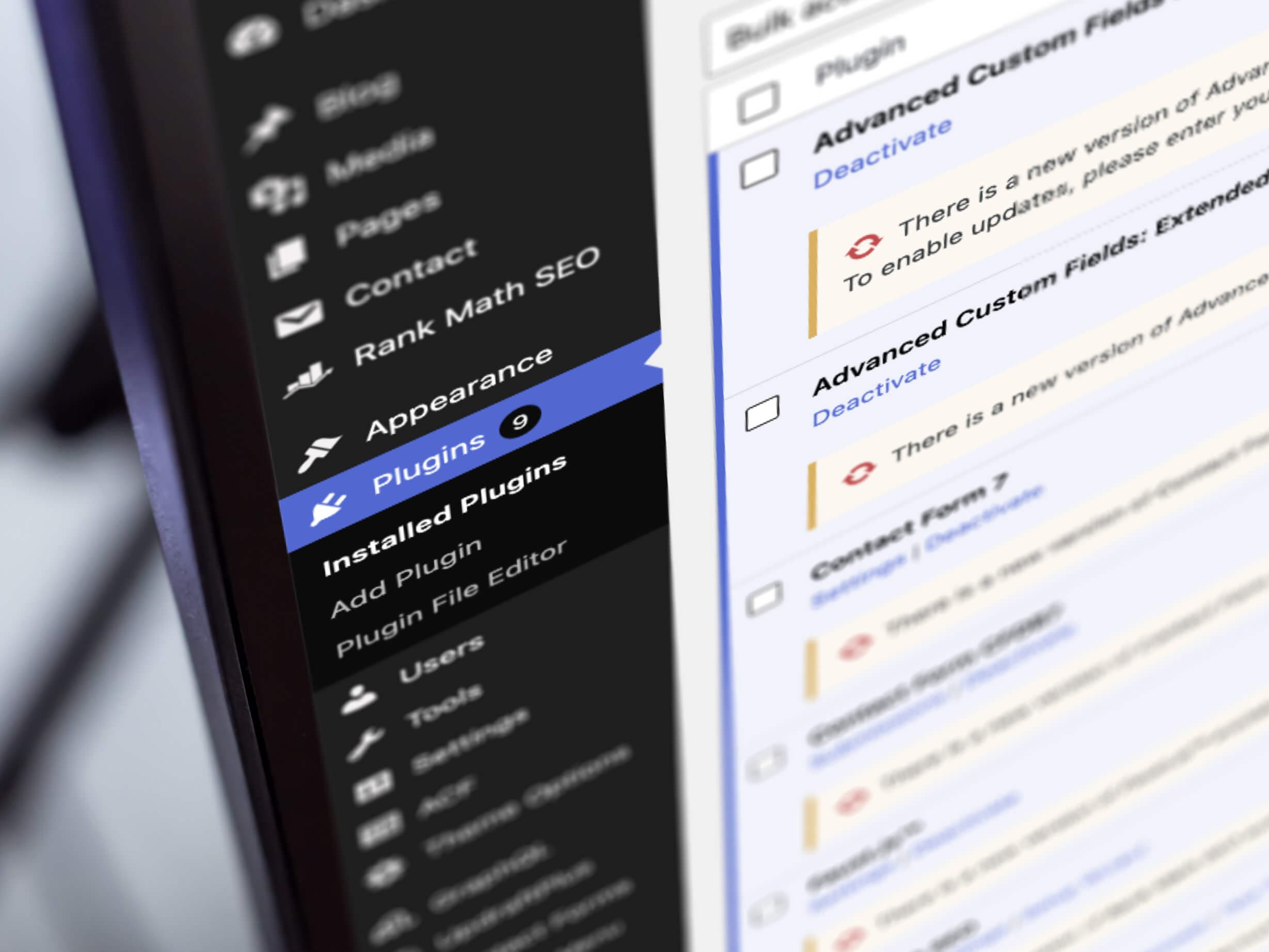
Once you start shopping for help with your website, the phrase follows you around. Care plan. It sits on every provider’s site, priced anywhere from coffee money to a serious monthly line item, and it is almost never defined. The typical guide to WordPress care does not help much either, because it is usually a sales page with a definition on top.
This article is the plain version. What the product actually is, what the label typically covers and quietly excludes, who genuinely needs it, who can reasonably go without, and how to tell a working care routine from a subscription that emails you a green tick once a month.
What a WordPress
Care Plan Actually Is
A WordPress care plan is a recurring service that keeps a website healthy after launch. You will see the same product called a WordPress maintenance plan, a support service or a website care plan. The label changes between providers. The job does not.
The sales pages all lead with the same three promises: peace of mind, more time to focus on your business, a team of WordPress experts on standby. Underneath the marketing, a genuine plan is a working routine. Someone updates things, backs things up, watches for trouble and answers when you call. The whole product is that this routine happens every month, whether or not anything looks wrong from the outside.
What a WordPress Care Plan Includes
(and What It Quietly Excludes)
Typically in the Bundle
- WordPress core updates, plus plugin and theme updates on a schedule
- Daily backups if the site changes daily, a slower rhythm if it rarely does, and restores tested rather than assumed
- Uptime monitoring, performance checks and security checks
- Security monitoring that watches for malware, suspicious file changes and known vulnerabilities, and helps keep the site secure
- A defined channel for technical support, with set support time each month
These are the essential services. None of them is exotic. The value is that they happen without you chasing anyone.
Usually Outside It
- A redesign, or design changes beyond small tweaks
- New landing pages and new functionality
- Writing or loading content, beyond minor updates
- SEO work and marketing campaigns
- Hosting, on some plans, which is billed separately
None of this is a scam. A care plan maintains the website you have. Work that changes what the website is gets scoped and quoted on its own.
Why a WordPress Website Needs Ongoing Maintenance
The need is structural, and it has nothing to do with how well your site was built. WordPress runs about 41 percent of all websites, and its flexibility comes from plugins built by the wider WordPress community. Every working site is really a stack: the core platform, a theme and whatever mix of plugins the build needs, each on its own release schedule, each depending on compatibility with the rest.
That stack is also where the risk lives. Patchstack, a company that tracks WordPress security, logged 11,334 new security vulnerabilities across the ecosystem in 2025. 91 percent were found in plugins. Only 6 of the 11,334 were in the core platform, all of them rated low priority. Most of the known vulnerability risk sits in the moving parts around the platform, not in the platform itself.
Keeping WordPress and its plugins current is the substance behind every care plan. Plugin updates carry the security patches that close known holes, and regular updates keep the stack compatible as each piece moves. Updates are one layer of the defence, not the whole of it. They only close a hole once a fix exists, one vulnerability in a single plugin can expose the whole site, and malware does not announce itself. So a genuine routine pairs updates with monitoring, tested backups and someone ready to respond, and that combination is what helps protect your site. Good maintenance cannot prevent every incident. It reduces the avoidable ones and makes recovery faster when something still goes wrong.
WordPress Maintenance by the Numbers
Share of all websites that run on WordPress
New vulnerabilities found across the ecosystem in 2025
Share of those found in plugins
Found in the core platform itself
Do You Actually Need a Care Plan?
You Can Reasonably Go Without
A three-page brochure site that has not changed since launch, takes no bookings or payments, and could be offline for a day before anyone noticed. If that is your website, a care plan is a nice-to-have. Some owners handle the routine themselves and do it well. The honest cost of going without is not ability, it is attention: updates still need doing every month, and when something breaks you will be finding and paying someone to fix it at short notice.
You Almost Certainly Need One
A website the business actually depends on. It takes bookings or payments, collects enquiries through a contact form, or is the first thing prospects check before calling. Nobody on your team would notice an outage until a customer mentions it. An online store raises the stakes again, because a checkout can fail silently while every page still loads. WooCommerce maintenance is a different job with its own article. The practical test: if a week of website issues costs the business real money, the routine is worth paying for.
A Care Plan Is Not Managed Hosting
The product most often confused with a care plan is managed WordPress hosting, and the confusion is expensive in both directions. A managed host keeps the building sound: the server, the PHP version underneath your site, automatic platform patches, often very well. What hosting rarely covers is whether your particular mix of theme and plugins still works together after an update, or whether your booking form still submits. Some hosts do include update tools or testing on certain plans, so the honest move is to confirm exactly what yours checks rather than assume the gap is covered. Managed hosting maintains the building. A care plan maintains your fit-out.
The same logic applies to bundles. Plenty of NZ providers sell hosting and maintenance together, which is convenient and often sensible. Just ask which half of the invoice does what, because a hosting bill wearing a maintenance label is the cheapest product sold under the most expensive name.
THE QUALITY LINETwo plans with identical feature lists can be very different products. The clearest difference is where updates happen first. We have written before about staging, a private copy of your site where changes are tested before visitors ever see them. A plan that tests updates there is care. A plan that clicks “Update” on your live site and hopes is a subscription with a friendlier name.
What a Care Plan
Costs in NZ
WordPress care plan pricing mostly tracks how much human attention is included. At the bottom of the market, a basic care plan is largely automation: scheduled updates, a backup routine, uptime monitoring and an emailed report. At the top, a monthly plan buys set hours from a person who knows your site, testing before updates rather than monitoring after them, and someone who picks up when things break.
Our own support plans run from $50 to $300 a month, and the difference between the tiers is how much of that attention is included. Website maintenance packages across NZ are hard to compare on the headline number alone, because every provider bundles hosting, support hours and update testing differently. The price follows the attention, not the label, so regular maintenance at $100 a month and monitoring at $100 a month are different products in the same clothes.
One more tell: published tiers are fair enough, but a provider should look at your site before confirming which one fits. A short website audit before a firm price is a good sign.

What to Ask Before You Sign
Where Do Updates Happen First?
A real answer names a private test copy of your site, not just good intentions. “We’re careful with updates” is a feeling, not a process.
When Was My Backup Last Restored?
Anyone can take a backup, and only a restore proves it works. A good provider tests restores on a schedule, stores copies away from the live server and can tell you the date.
Who Acts When Something Breaks?
Monitoring only tells you the site is down, and someone still has to respond. Ask who that person is and whether the answer changes after hours.
What Does the Monthly Report Show?
It should list what was updated, tested and backed up, with versions and dates. “All systems operational” on its own is a monitoring invoice.
Can I Talk to a Current Client?
Long-standing care plan clients are the best evidence the routine actually happens. A provider proud of the work will make the introduction.
Where Code Artists Fits
We build and maintain websites from Auckland, and WordPress support is the half of the job we treat as the point rather than the afterthought. Our maintenance service follows the routine this article describes: a fresh backup before anything is touched, updates tested before they reach the live site, checks after every round, and downtime treated as urgent. That ongoing support work currently runs from small brochure sites through to an enterprise animal-health brand’s headless build, maintained across development, production and staging environments.
If you cannot tell which product you are currently paying for, that is worth a conversation. Sometimes the answer is that your provider is doing fine, and that is a good outcome too.
HONEST SCOPEA care plan maintains the website you already have. It keeps your WordPress site updated, backed up and monitored, and it helps keep things running smoothly between changes. Adding a redesign, new features or content mid-plan is a scoping conversation, not a support ticket. And ask what you get back if you ever leave: backups, credentials and any licences the provider holds.
Not Sure What Your Plan
Actually Covers?
Book a free discovery session and we will walk through what your site actually needs, in plain terms. No obligation.
Book a Free Discovery Session